
In 2026, the problem isn’t lack of data—it’s information overload, confusing dashboards, and metrics that don’t connect to real business goals.
The good news?
You don’t need expensive software to understand what’s happening on your website. You just need the right free tools, paired with smart interpretation and UX thinking.
That’s where free website analytics still shine.
What Free Website Analytics Really Means Today
Free website analytics tools help you understand:
- Who’s visiting your site
- How they found you
- What they’re engaging with
- Where they get stuck—or leave
- What’s helping (or hurting) conversions
But modern analytics go beyond pageviews. Today, they’re shaped by:
- AI-powered insights
- Privacy-first tracking
- Event-based measurement
- UX and behavior analysis
Translation: analytics now tell a story—not just a score.
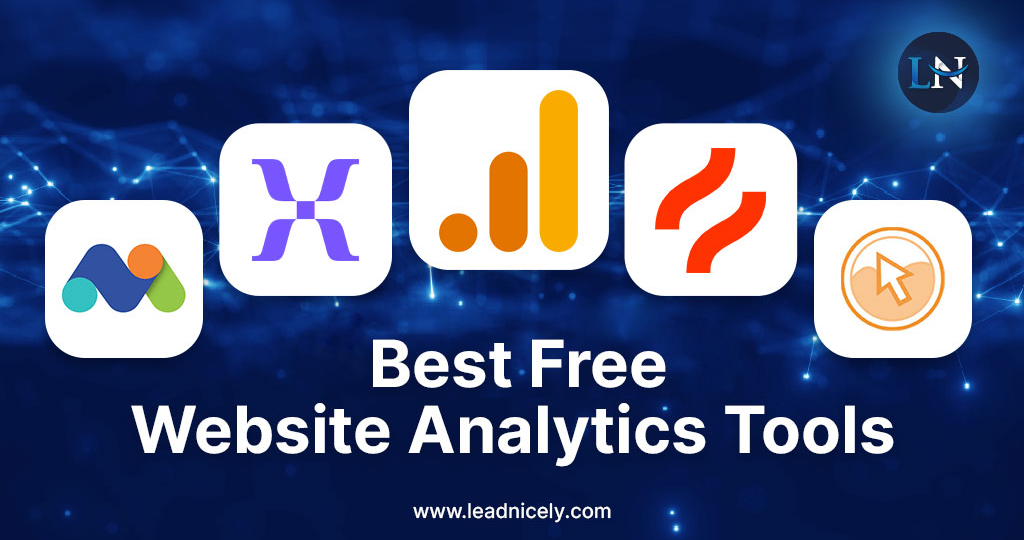
The Best Free Website Analytics Tools in 2026
Here are the tools we consistently recommend for small businesses and growing brands.
1. Google Analytics 4 (GA4)
Still the foundation—but very different from the old Universal Analytics.
GA4 focuses on:
- Events instead of sessions
- Engagement instead of bounce rate
- Cross-device and cross-platform behavior
When set up correctly, GA4 shows how users actually move through your site—not just where they land.
Pro tip: GA4 is powerful, but not intuitive. Strategy and setup matter more than the tool itself.
2. Google Search Console
If GA4 tells you what users do, Search Console tells you why they arrived.
It shows:
- Search queries driving traffic
- Page impressions and click-through rates
- Indexing and technical SEO issues
- Performance trends over time
Paired with tools like Semrush, Ahrefs, or SurferSEO, it becomes a serious SEO intelligence hub—without costing a dollar.
3. Microsoft Clarity (Free UX Goldmine)
One of the most underrated free analytics tools available.
Clarity provides:
- Heatmaps
- Session recordings
- Rage-click and dead-click detection
- UX friction insights
If you’ve ever wondered “Why aren’t people converting?”—this tool usually has the answer.
4. Built-In Platform Analytics
If you’re using tools like:
- Google Business Profile
- YouTube Studio
- Email platforms
- Social media dashboards
You already have access to valuable free data—especially around engagement and intent.
The key is connecting these insights back to your website experience.
How AI Is Changing Free Analytics
AI now plays a major role—even in free tools.
Modern analytics platforms use AI to:
- Surface anomalies and trends
- Predict behavior patterns
- Identify friction points
- Suggest optimization opportunities
But here’s the catch:
AI highlights patterns. Humans decide what to fix.
At ONEWEBX, we use AI insights as a starting point—then layer UX, content strategy, and business context on top.
What You Should Actually Be Tracking (Hint: It’s Not Everything)
Forget vanity metrics. Focus on signals that move the needle.
Key metrics that matter:
- Engagement time (not just visits)
- Scroll depth and interaction
- Conversion paths and drop-offs
- Top entry and exit pages
- Search intent alignment
- Mobile vs. desktop experience
When analytics align with UX and content strategy, optimization becomes obvious—and actionable.
Why Most Businesses Misuse Free Analytics
Common mistakes we see:
- Looking at data without a goal
- Tracking everything, acting on nothing
- Ignoring UX and accessibility signals
- Treating analytics as “reporting” instead of “insight”
- Letting tools run without proper setup
Free analytics aren’t limited—they’re just underutilized.
A Simple Real-World Example
A small service business uses only free tools:
- GA4 to track engagement and conversions
- Search Console to identify high-impression pages
- Microsoft Clarity to spot UX friction
- AI-assisted insights to prioritize updates
They optimize one key landing page:
Clearer messaging
Better mobile layout
Improved CTA placement